Night globe
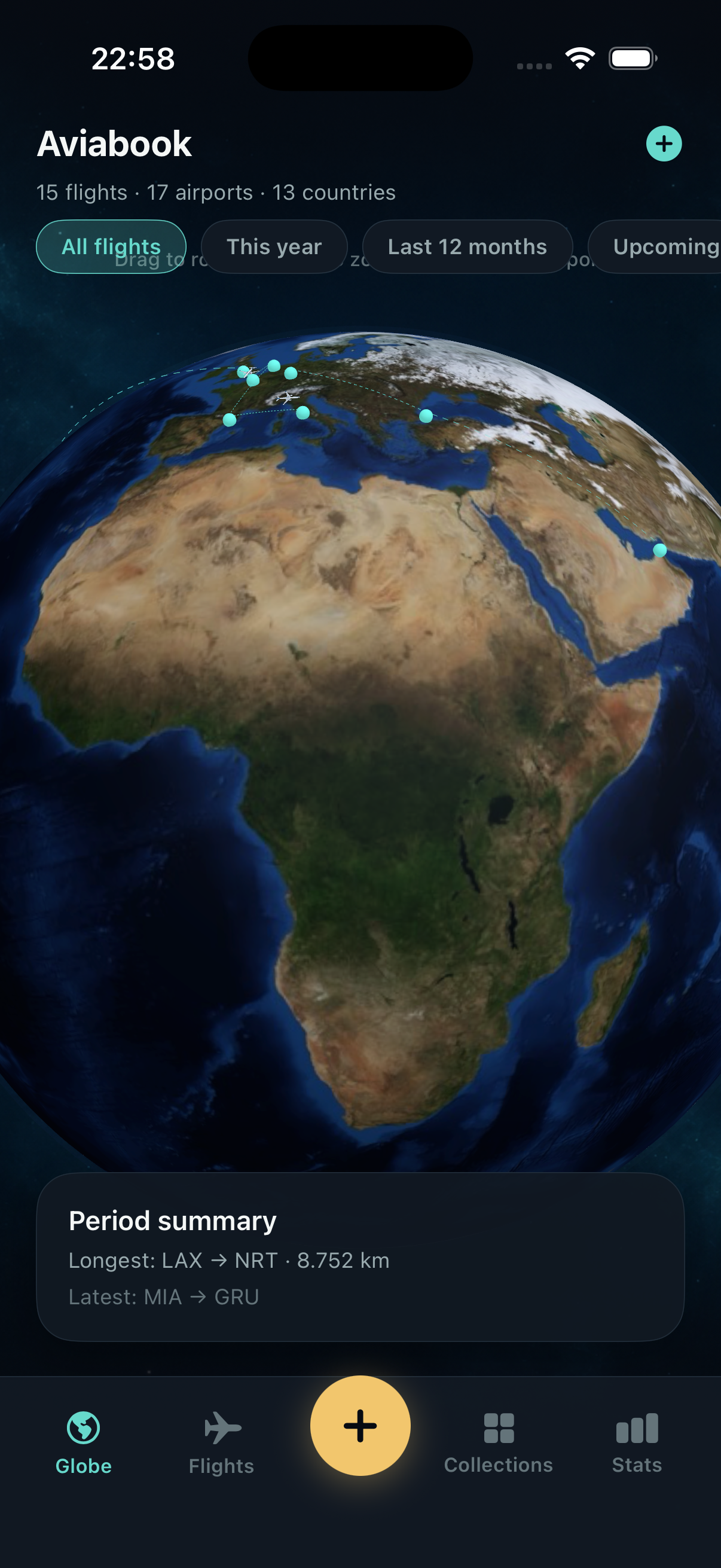
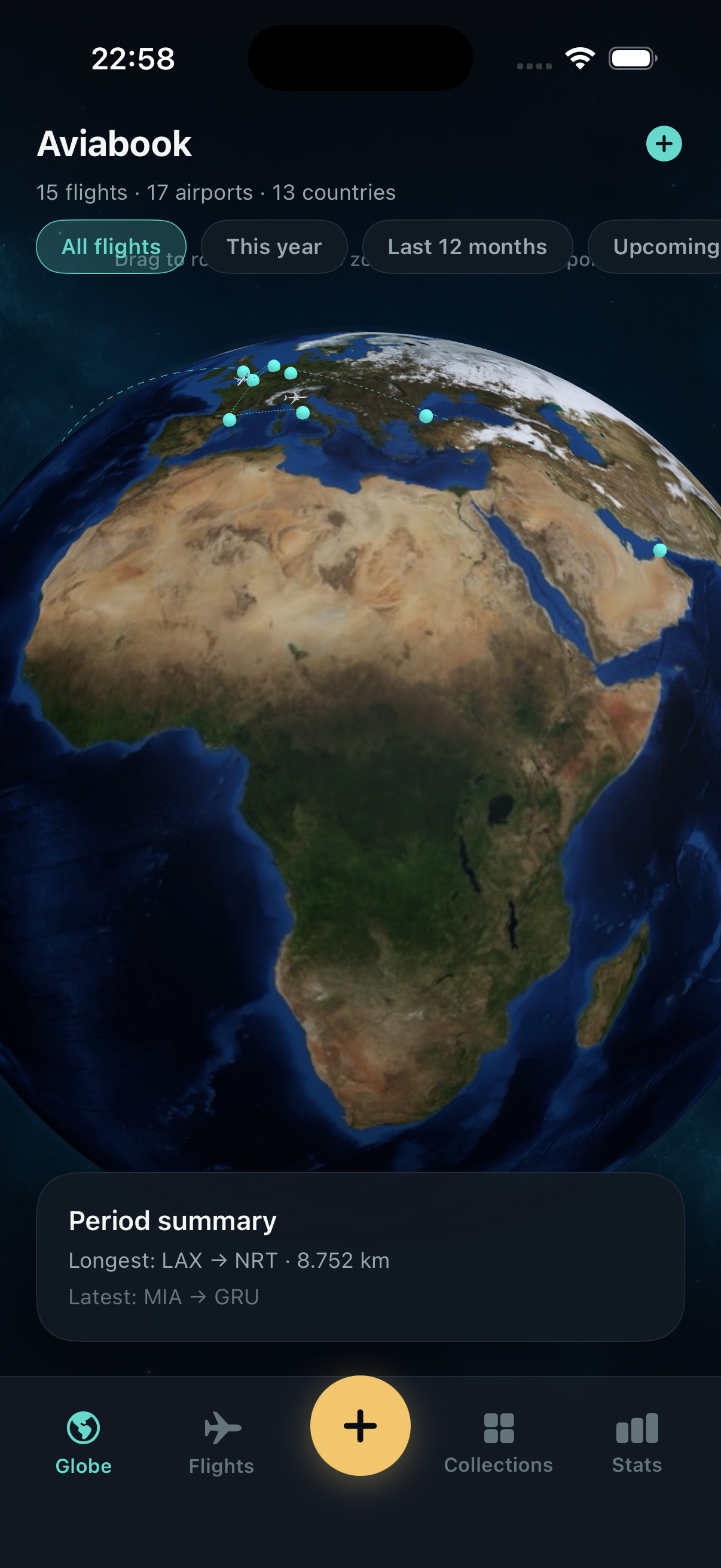
Spin a 3D earth and watch completed hops light up as teal arcs, with upcoming legs waiting on the far side.
Personal atlas
Keep a living globe of the flights you actually took — routes, seats, scans, and the cities between them.

Four uneven tiles, like a dispatch board: globe, scan, collections, and the quiet numbers that follow a year of hops.
Spin a 3D earth and watch completed hops light up as teal arcs, with upcoming legs waiting on the far side.
Point the camera at a boarding pass or pick a ticket photo, then confirm airline, seat, and gate before it lands in the log.
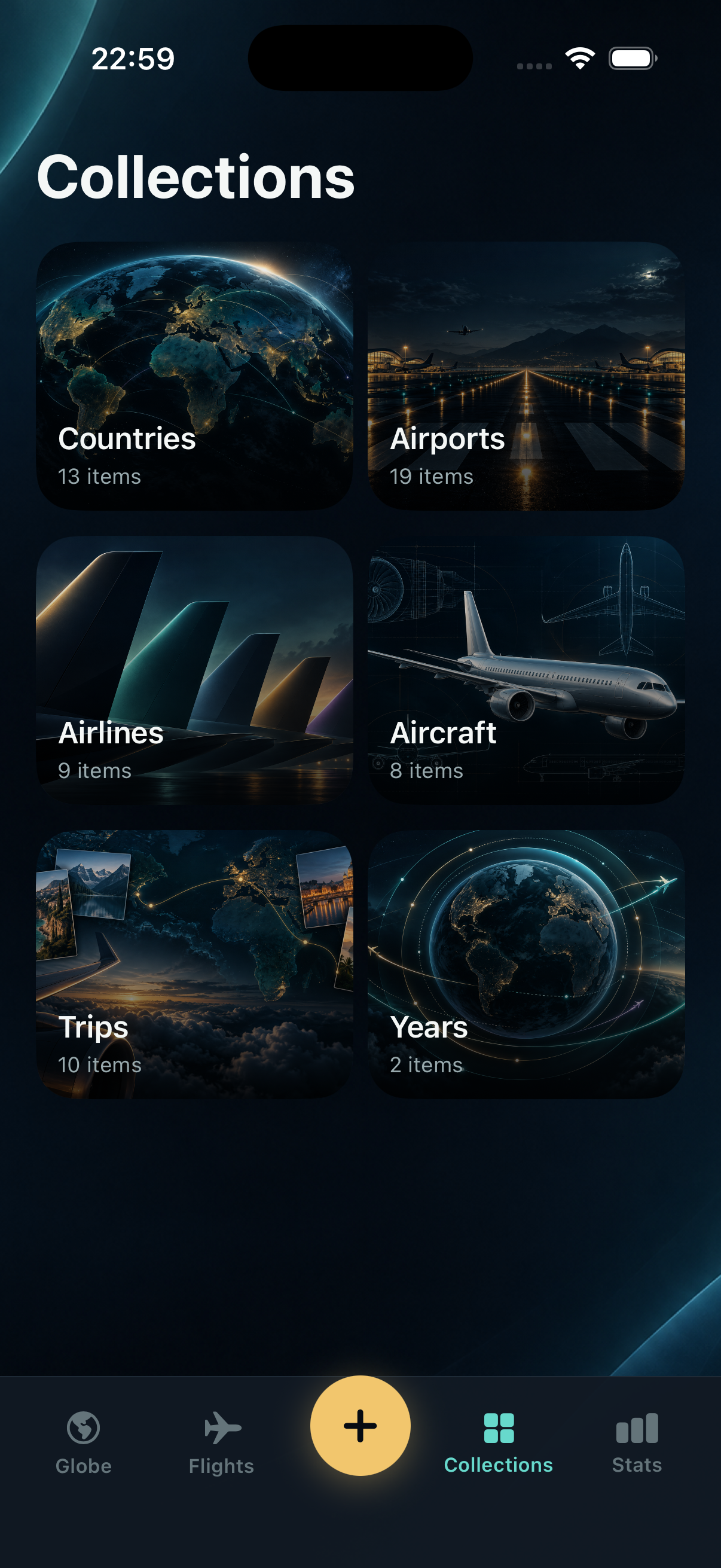
Browse countries, airports, airlines, aircraft, trips, and years as tiles filled from the flights you already saved.
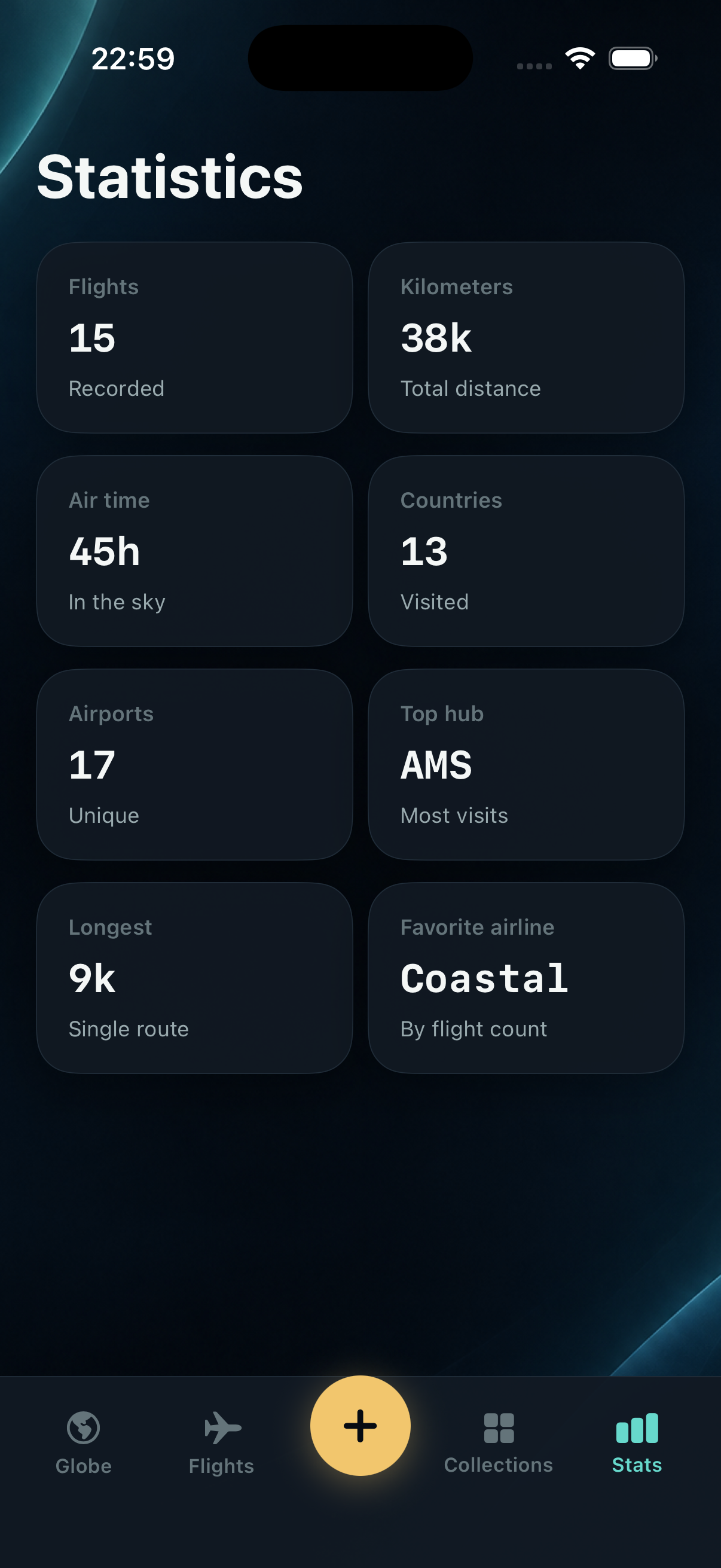
Distance, air time, longest hop, and favorite airline sit on a dark grid so the log reads like a dispatch board.
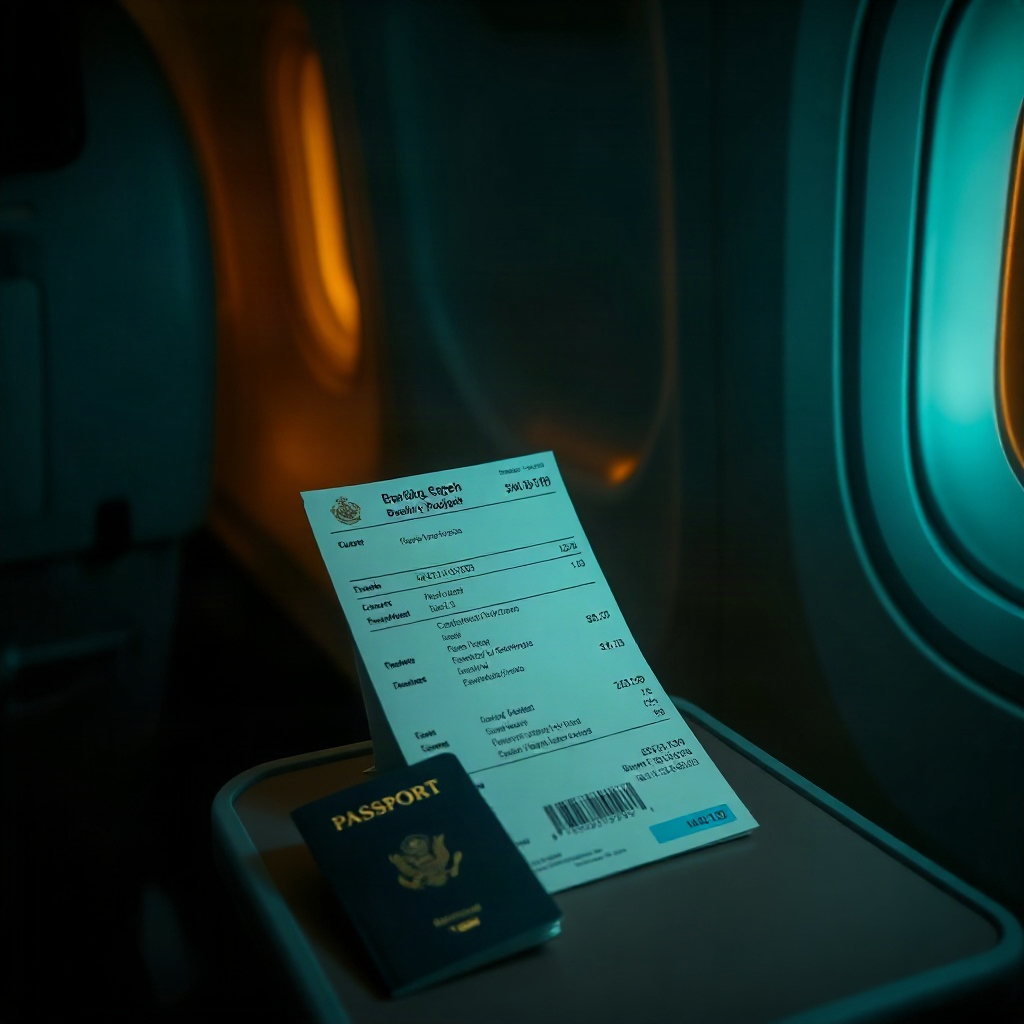

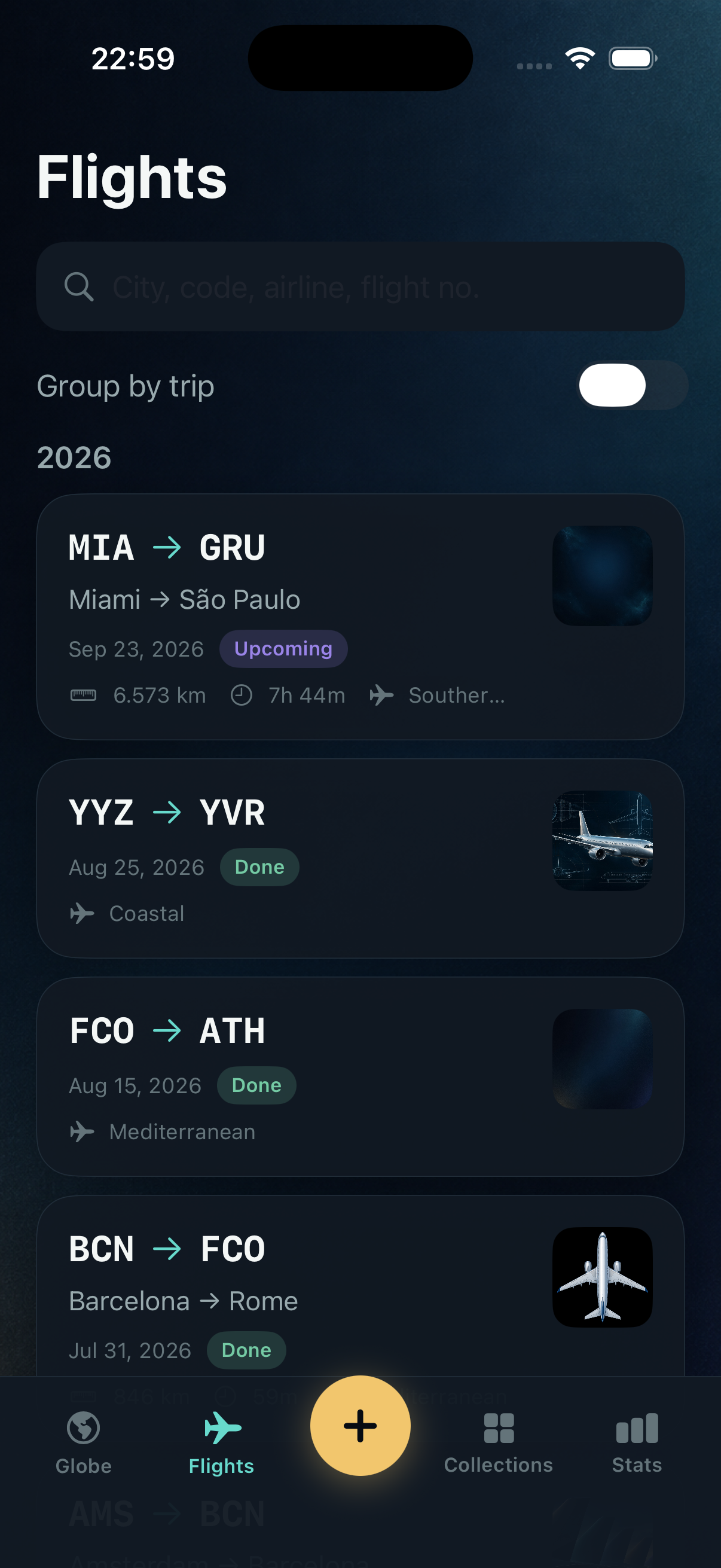
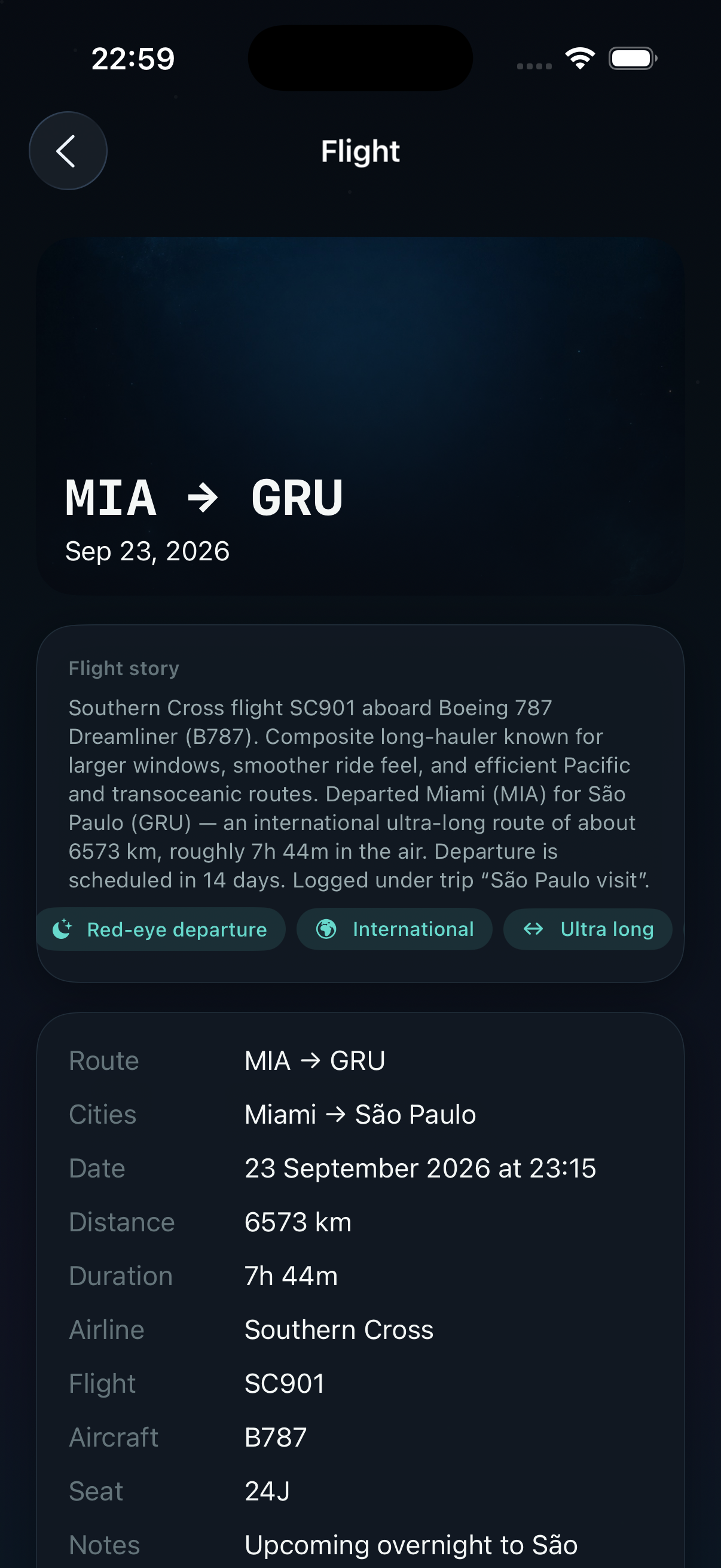
Scattered frames from the log itself — onboarding, the globe, the list, collections, stats, and a single hop.
Short summaries first. Open a panel if you need the full privacy or support text for App Store review.
Aviabook is a personal flight log. Flights, trip titles, notes, boarding-pass images, and photos you attach are stored on this device in the app’s local database. Camera access is used when you scan a boarding pass or take a photo for a flight. Photo library access is used when you choose an existing ticket image or save a picture back to Photos. There is no Aviabook account server for this log; deleting the app removes the local records. Effective 16 September 2026.
Questions about this policy: umodihat485@gmail.com.
If a scan misreads a boarding pass, a route looks wrong on the globe, or you need help with a photo you attached to a flight, write to umodihat485@gmail.com. Describe the hop (airports and date) and we will reply from the same address.